Additional Instructions
Additional Instructions is to be used when the SIG is too long to fit on the regular prescription label, usually for medications with tapering doses or eye drops used after surgery. The Additional Instructions will print on a separate label in smaller text to attach to the medication.
To create Additional Instructions:
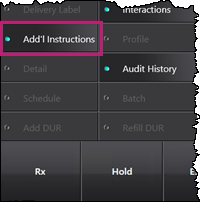
- In Rx Detail, select Rx > Add'l Instructions.
The Additional Instruction Label window appears. - Enter the dispensing direction in the Additional Text field, in regular text or using SIG codes. The label text will automatically preview in the box below.
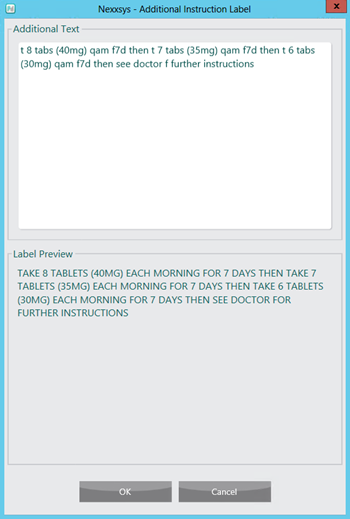
- Select OK. The Additional Instruction Label window closes. A notice appears in the Alerts box in Rx Detail stating the prescription has additional instructions.

- In Rx Detail, enter SEE ADDL INSTRUCTIONS in the SIG field.
- Fill the prescription as usual.